
Keep one overview you can return to
Start with a map of the current architecture, attach implementation status and source references, and update the affected parts after each meaningful change. Use the same saved map across coding sessions so you can see what exists, how it connects, and what remains unfinished.
DeeplyClear gives that overview a visual home. A connected assistant can inspect the code available to it, create a map, and update it when you ask. The useful habit is making that update part of finishing a feature. The map does not automatically stay synchronized with your repository.
Why a finished coding session can leave an incomplete picture
A diff answers which lines changed. A conversation may explain why. Neither necessarily gives you an overview of the system after several separate sessions. You can understand each small change and still lose track of their combined effect.
Consider a task tracker. One session adds due dates; another discusses reminders. A week later, “we worked on reminders” can sound like “the app sends reminders.” A map that separates implemented behavior from planned work makes that distinction visible before you build on the wrong assumption.
Keep four things close together: the components that exist, the behavior they support, evidence for that behavior, and the gaps that still matter. You do not need a node for every file. Start with enough structure to trace one important operation through the project.
Before: a small task tracker
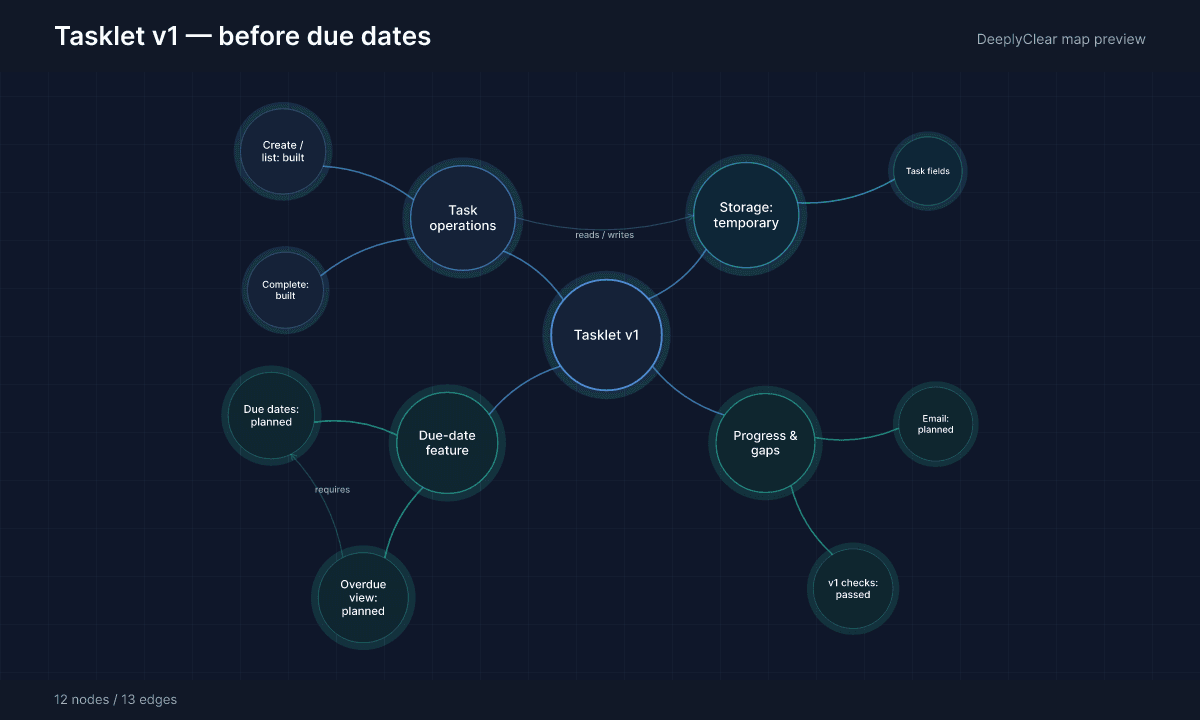
Tasklet is a fictional project with runnable JavaScript source supplied below. It is deliberately small: a task service and an in-memory store, with no web interface, HTTP server, authentication, or email service. The maps are locally rendered example snapshots using DeeplyClear’s preview renderer.
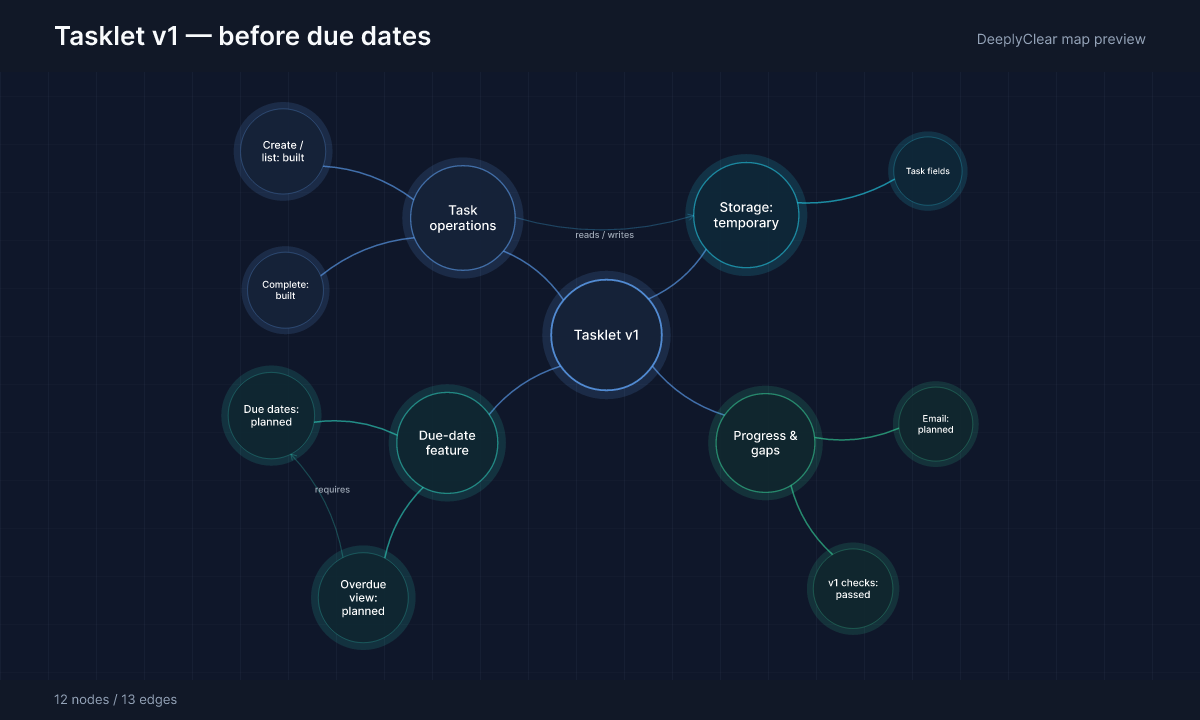
In snapshot v1, before.mjs exposes three operations: addTask, listTasks, and completeTask. They use store.mjs to insert, read, and update tasks. Each task has an ID, a title, and a completed flag. Creating a new board starts with an empty store.
Due dates, an overdue view, and email reminders are planned. Keeping those intentions on the map is useful, provided their labels make it clear that they do not exist yet. The connection from the overdue view to due dates means “requires,” not “already works.”
The change: due dates and an overdue view
The next request is specific: allow an optional due date, and return incomplete tasks whose due date is earlier than today. In after.mjs, addTask now accepts a validated YYYY-MM-DD date. The new listOverdue operation reads the same store and filters by completion status and due date.
On October 28, 2026, an incomplete task due October 27 appears in the overdue view. A task due October 28 does not. Neither does a completed task, a task due in the future, or a task with no due date. These boundaries are more informative than a summary saying “added deadline support.”
The caller supplies today’s calendar date. This example does not choose a user timezone or run a background clock. Adding an overdue query also does not add email delivery: there is still no reminder scheduler or email provider.
After: update the map and keep the gaps visible
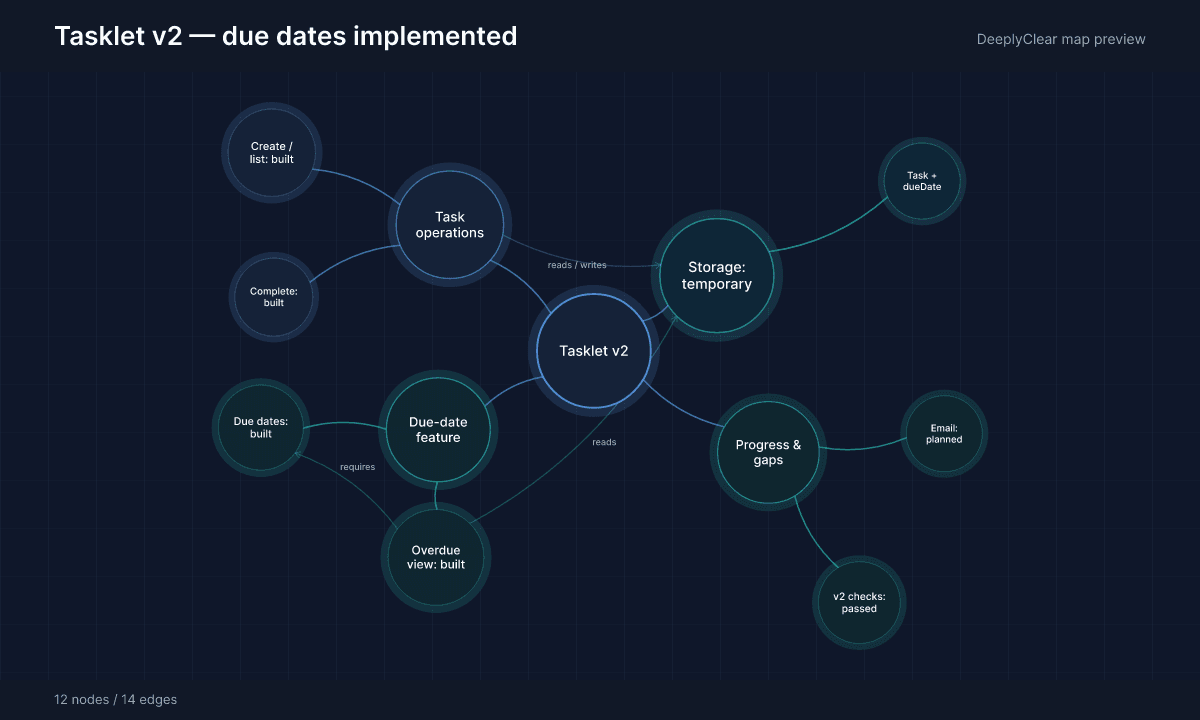
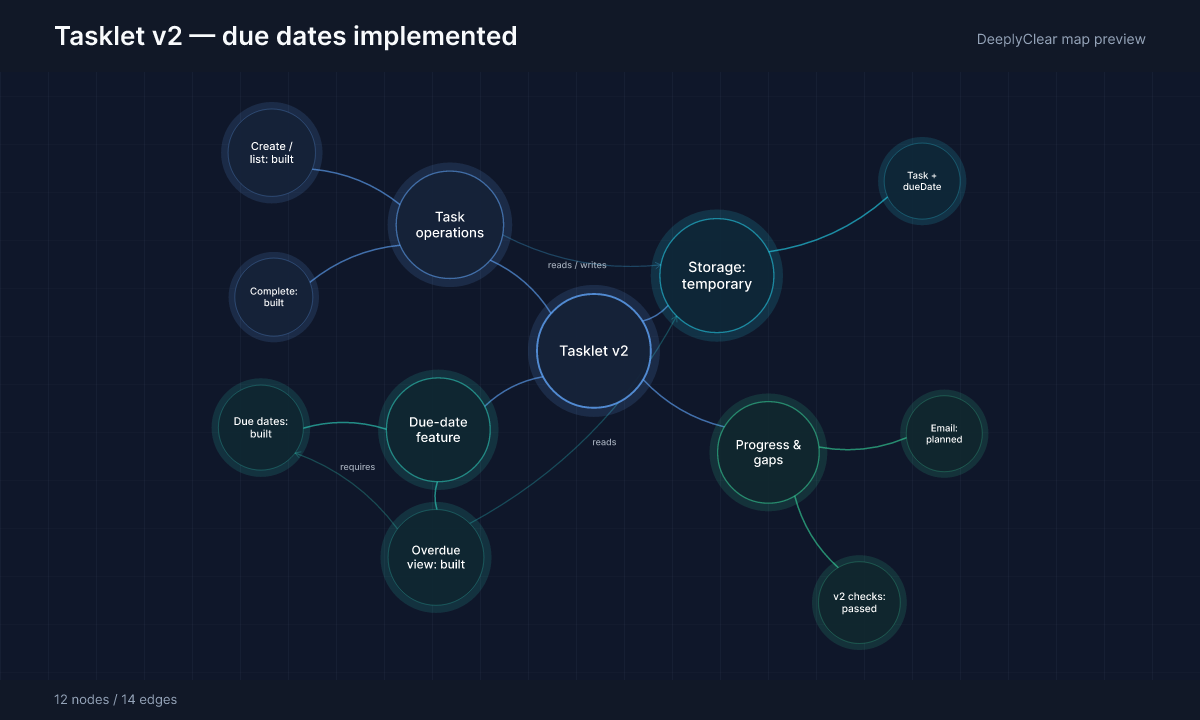
The v2 map keeps the same node IDs and overall layout. The due-date and overdue-view nodes change from planned to built, the task operations point to after.mjs, and the storage description now includes the optional dueDate field. A connection shows that the overdue query reads stored tasks.
Email reminders remain planned. Storage is still temporary. Those details matter when choosing the next feature: showing overdue tasks is implemented in this demo; notifying people about them is a separate piece of work.
The example’s six executable checks cover baseline behavior, overdue filtering, completing an overdue task, date validation, rejected input, and storage isolation. They support these narrow implementation claims. They do not establish that a production reminder system is ready.
Create the first overview with your coding assistant
Connect DeeplyClear to the assistant you use for the project, and give that assistant access to the relevant source. Ask it to inspect the implementation before drawing conclusions from old conversations or plans.
Prompt to copy
Inspect this repository and create a DeeplyClear project overview. Map the major components, data stores, external services, and one important user or data flow. Include representative file paths and the current revision in descriptions. Distinguish implemented behavior, planned work, and unverified assumptions. Separate tests that exist from checks you actually ran. Keep labels short and preserve important dependencies. Return the saved map link so we can update this same map after future changes.
Review one important path through the result. For Tasklet, that is adding a task, storing its fields, and finding it through a query. In a larger application, you might follow sign-in or checkout through the interface, service, and data store. Record a commit or snapshot identifier so a future reader knows which version the map describes.
Use explicit labels such as implemented, planned, and unverified. Put file references and qualifications in node descriptions. Mark missing evidence instead of allowing a polished map to make an uncertain claim look settled.
Make a map update part of finishing a feature
After a feature changes behavior or architecture, give the assistant the existing map link and ask it to reconcile that map with the implementation. A new map for every session leaves you with several competing overviews.
Prompt to copy
Read our existing DeeplyClear project map at [map link]. Inspect the completed change and its surrounding code at [revision]. Update this same map to reflect the current implementation. Preserve unaffected structure. Explain changed behavior, dependencies, and data fields with source references. Keep unfinished work marked as planned; mark uncertainty explicitly. Record which checks ran and their results. Identify anything that may be obsolete before removing it. Summarize what changed in the map and what remains unfinished.
Keep the scope proportional to the change. A new service, data field, integration, or important user flow deserves a map update. A spelling correction usually does not. Inspect the affected nodes after the update, especially anything promoted from planned to implemented.
Use the overview at the start of the next session
Before asking for another feature, open the map and answer three questions: where will the change belong, what existing behavior does it depend on, and which relevant assumptions still need checking? Then inspect the current source in that area. If the repository has advanced beyond the map’s recorded revision, reconcile the difference first.
For Tasklet, the next session could begin with: “Due dates and overdue filtering work in the demo. Email reminders are still planned. Storage resets when the board is recreated. Decide how tasks will persist and how reminders will run before promising notification delivery.” That is a useful handoff because it preserves both progress and its limits.
Keep detailed tasks in your issue tracker and important architectural decisions in your project documentation. Use the map to connect those records to the components and behavior they describe. When someone needs an introduction, a Clarity Tour can guide them through the relevant parts of the map.
Run and inspect the example
Save store.mjs, before.mjs, after.mjs, and verify.mjs in the same folder. With a current Node.js installation, run node --test verify.mjs from that folder. No packages or credentials are needed. Read the assertions to see exactly which behavior each check establishes.
The v1 and v2 labels identify teaching snapshots, not Git commits. The downloadable map JSON preserves the same IDs between versions and includes file references, implementation status, and limitations. You can supply it alongside the source when asking your assistant to recreate this example in DeeplyClear.
Try one follow-up: ask the assistant what would be required for reminders, without implementing them. The overview should keep that work planned. A discussion becomes part of the project’s context; it does not become a completed feature.
FAQ
Common questions
How do I keep track of a project built with AI?
Maintain a project overview that connects architecture, implemented behavior, source references, and unfinished work. Update the affected parts after meaningful changes, record the revision, and check important claims against the code before relying on them.
Does DeeplyClear automatically synchronize with my codebase?
The workflow in this guide uses explicit updates: your connected assistant inspects the source available to it and updates the saved map when asked. Connecting DeeplyClear does not by itself configure automatic repository monitoring or synchronization.
How do I distinguish finished AI coding work from plans?
Use separate implementation-status labels and attach evidence to completed behavior. A conversation about a feature is evidence of a plan; source code and relevant verification establish what has actually been implemented and checked. Keep unverified claims marked as such.
Should a codebase map include every file?
Start with major components, important flows, dependencies, and representative file references. Add detail where it helps answer a concrete question. An overview should help you navigate into the code without becoming another exhaustive file listing.
Next step
Keep your next feature in context
Connect DeeplyClear, create a project overview, and return to the same map as your implementation changes.